Text Message Forwarding for iPhone
Automatically Forward Text Messages to Email, Teams, Slack, Discord or another Phone.
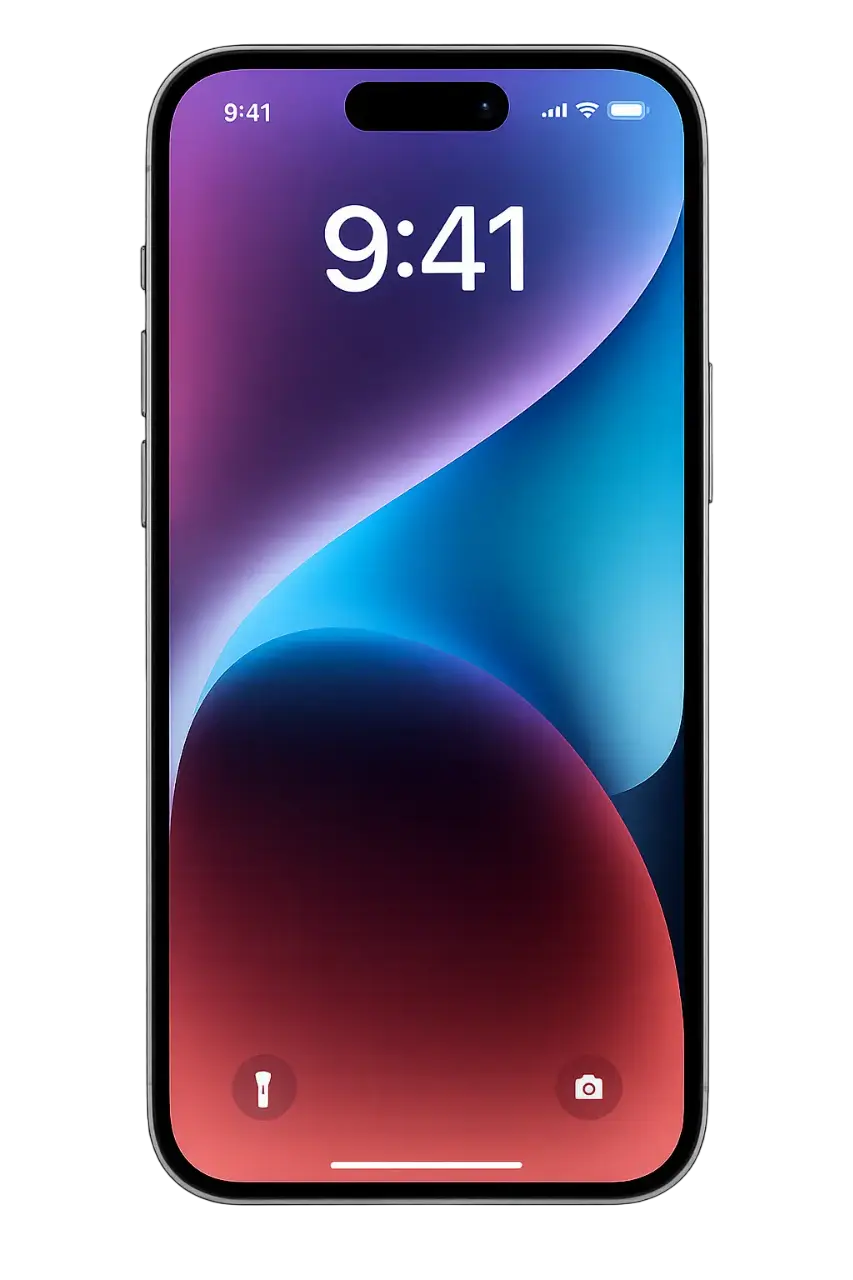

Time Sensitive
Forwarded OTP: 482-931 from Bank of America to Slack #alerts




Trusted by thousands of users worldwide
Why SMS fails you?
Your important messages deserve to be accessible, shareable, and permanent. Not stuck on a single device.
Stuck on one device
Important codes and alerts are trapped on your phone. If you leave it behind or the battery dies, you're locked out.
Missed time-sensitive codes
Verification codes expire in seconds. If you're busy or in a meeting, you miss the window and have to start over.
Impossible to share
Shared accounts (AWS, Bank, Social) need shared access to OTPs. Copy-pasting codes manually is slow and error-prone.
Roaming nightmares
Traveling abroad? Swapped your SIM card? You lose access to your primary number's SMS messages immediately.
Powerful Features, Simple Setup
Everything you need to manage your messages intelligently. Advanced routing, filtering, and scheduling in a simple interface.
8 Platforms, One App
Forward to Email, Slack, Discord, Telegram, Teams, WhatsApp, and more.
Smart Filtering
Use keywords to include or exclude specific messages. Perfect for 2FA codes.
Custom Schedules
Set active hours. Business hours only? Weekends off? You decide.
Multi-Destination
Forward the same message to multiple places. Email for archives, Slack for instant alerts.
Privacy First
Messages are forwarded directly from your device. We never see your data.
End-to-End PrivateOffline Queuing
No internet? No problem. Messages are queued and sent automatically when you reconnect.
Up and Running in 3 Minutes
No complex configurations. Just download and start forwarding.
1. Download App
Get SMS Forwarder directly from the App Store. It's free.
2. Add Destinations
Connect your Email, Slack, Telegram, or other platforms.

3. Set Up Shortcuts
Automate with iOS Shortcuts.
Perfect For...
Developers & IT
Get server alerts and 2FA codes directly in Slack. Never switch apps for verification.
Business Owners
Forward customer inquiries to your team channel. Keep everyone in the loop.
Travelers & Expats
Receive local SMS from back home via email. Stay connected anywhere.
Families
Share important messages instantly. School alerts, delivery notifications, all in one place.
Automation Pros
Trigger custom workflows via Webhooks. Connect SMS to Zapier, Make, or your backend.
And Many More...
Healthcare reminders, delivery tracking, appointment confirmations - forward any SMS.
Don't just take our word for it
"This app is saving our team a ton of hassle and hours every month. We used to manually copy OTPs, now it's all automated."
"Absolutely brilliant. I travel constantly and used to miss important bank alerts. Now they go straight to my Telegram."
"The Slack integration is flawless. We use it to pipe our server monitoring SMS alerts into our devops channel."
Connects With Your Tools
Forward to any Inbox
Slack
Post to Team Channels
Discord
Server Notifications
Telegram
Direct & Group Chats

Teams
Workplace Updates
Send to Contacts

SMS
Relay to Another Number

Webhook
Connect to API & Zapier
Built for Privacy
Your messages are your business. We designed SMS Forwarder with privacy as the foundation.
Local Processing
Messages processed on-device only.
No Cloud Storage
We never store your SMS content.
No Tracking
No message analytics or tracking.
Safe Credentials
API keys stored locally on device.
Common Questions
SMS Forwarder is an iPhone/iPad app that allows you to forward text messages to Email, Microsoft Teams, Slack, Discord, Telegram, and more. It uses iOS's powerful Shortcut Automation feature to securely receive and forward messages to your chosen destination.
Yes! All core features are currently available for free. There are no trials or hidden costs. We may introduce premium features in the future, but the essential forwarding functionalities will remain free.
Yes, SMS Forwarder is designed with privacy as a core principle. Messages are processed on your device and forwarded directly to your chosen destinations. We do not store any of your messages, nor do we have access to their content. Unlike other solutions, it doesn't require extra permissions or take over your phone number. We collect optional anonymous diagnostics data to diagnose crashes and improve the app, which you can read more about in our privacy policy.
SMS Forwarder is perfect for sharing one-time passwords (OTPs), two-factor authentication (2FA) codes, or other critical communications with your team. Many online services and banks still require an individual phone number for authentication, which is not ideal for growing teams.
You can forward messages to Email, Microsoft Teams, Slack, Discord, Telegram, and more. Our iOS app integrates seamlessly with various platforms. Need support for another platform? Let us know!
Yes, SMS Forwarder works with iMessage as well! The app leverages Apple Shortcuts automation, and the "When I receive a message" trigger in Shortcuts is activated for both SMS/MMS (green bubbles) and iMessage (blue bubbles). This means that once a user follows the steps in the Setup Guide and configures the Shortcuts automation, all incoming messages (SMS + iMessage) can be forwarded to their chosen platforms.
Yes, you can forward messages to multiple destinations simultaneously. You can add an unlimited number of forwarding rules and destinations in the app settings.
There is no limit to the number of messages you can forward with SMS Forwarder. Forward as many as you need!
No. The app uses Apple's efficient Shortcuts automation and only activates momentarily when you receive an SMS, minimizing battery impact.
Ready to Forward Smarter?
Join thousands of users who never miss an important SMS again.
Free download • No account required • Privacy focused